


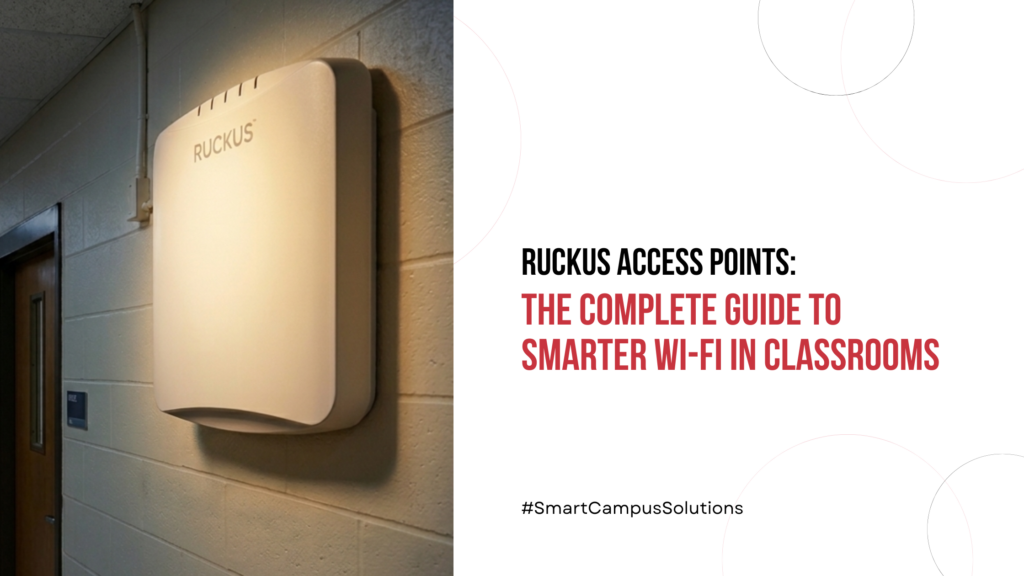
Walk into almost any school in India today and you will find something that simply did not exist a decade ago: a student with a device in every hand, a smart board on every wall, and a school management system running somewhere in the background. Attendance is biometric. Homework is submitted on Google Classroom. Exams are taken on tablets. Video is streamed for science demonstrations. Parents are connected through portals.
But here is the uncomfortable truth that most school IT committees avoid discussing loudly: the average school’s Wi-Fi infrastructure was never designed for any of this. It was designed for a handful of computers in a lab, maybe a projector in the staffroom, and a single internet connection shared across the building. The network was an afterthought. And now, every year, that underinvestment costs schools in dropped connections, failed assessments, frustrated teachers, and a digital divide that grows quietly inside classrooms where the Wi-Fi simply cannot keep up.
Why Ruckus Networks Stands Apart in Education
Ruckus Networks is not a general-purpose networking brand that happens to sell to schools. It was built on the problem of difficult wireless environments: stadiums, hospitals, hotels, and yes, schools places where hundreds or thousands of devices compete for bandwidth. The technology Ruckus developed to handle those environments makes it exceptionally well-suited to classrooms.
Why do Schools Prefer Ruckus
The secret is two patented technologies working together.
- The first is BeamFlex+, which dynamically selects among up to 64 antenna patterns in real-time on a packet-by-packet basis directing the Wi-Fi signal specifically toward each connected device rather than broadcasting it in all directions like a light bulb and wasting it on walls and ceilings.
- The second is ChannelFly, which continuously monitors the wireless spectrum and automatically switches to the least congested channel available.
In a school building where dozens of APs compete with neighbouring networks and Bluetooth devices, that kind of intelligent channel management is not a nice-to-have it is essential.
Together, these technologies allow Ruckus to deliver reliable coverage at a ratio of one AP per two classrooms, meaning fewer devices to install, fewer cables to run, and lower long-term maintenance costs.
Which Ruckus Model Does Your School Need?
Ruckus offers a clear ladder of indoor and outdoor access points suited to different school environments. Here is how to think about each one.
Choosing the right Ruckus Access Point (AP) depends on your school’s size and density. Here is a streamlined guide to help you find the perfect fit.
1. Ruckus R350: The Budget-Friendly Starter
Best for: Small primary schools, libraries, or computer labs.
- Performance: Entry-level Wi-Fi 6 with speeds up to 1200 Mbps.
- Capacity: Supports up to 256 concurrent users.
- Key Perk: Can be managed for free via Ruckus Unleashed (no license fees for up to 25 APs).
- Future-Proof: Includes a USB port to add IoT modules (like smart sensors) later.
2. Ruckus R550: The K-12 Classroom Workhorse
Best for: Standard classrooms with 1:1 device programs.
- Performance: Mid-range Wi-Fi 6 designed to handle 40+ students streaming video simultaneously.
- Integrated IoT: Built-in BLE and Zigbee—no extra modules needed for smart classroom tech.
- Reliability: Features SmartMesh technology, allowing APs to stay connected even if a data cable fails.
3. Ruckus R650: For High-Traffic Hubs
Best for: Auditoriums, gyms, dining halls, and busy secondary schools.
- High Speed: Boasts speeds near 3000 Mbps with 6 spatial streams.
- BYOD Friendly: Includes “Target Wake Time” to help save battery life on students’ personal smartphones and tablets.
- Heavy Lifting: Ideal for “unpredictable” traffic in large open spaces where hundreds of students gather.
4. Ruckus R750: The Flagship Powerhouse
Best for: University campuses and international schools with ultra-high density.
- Extreme Capacity: Supports over 1,000 concurrent clients per AP.
- Top Tier: 8-stream Wi-Fi 6 with speeds exceeding 3.5 Gbps.
- Use Case: Perfect for schools hosting large-scale digital exams or competitive esports.
5. Ruckus Outdoor Series (T350): Beyond the Classroom
Best for: Playgrounds, sports fields, and outdoor corridors.
- Ruggedized: Weatherproof enclosures built to withstand the elements.
- No Trenching Required: Uses SmartMesh to connect wirelessly back to the main building, saving you the cost of digging up cables.
- Safety First: Ensures consistent coverage for campus security and outdoor attendance systems.
Keeping Student Data Safe
School networks carry sensitive data: student records, assessment results, personal login credentials, and increasingly, biometric information. Ruckus access points support WPA3, the latest Wi-Fi security standard, alongside WPA2-Enterprise and 802.1X authentication for granular access control.
Ruckus Cloudpath is an additional onboarding and security platform that makes BYOD management straightforward, automatically assigning students, teachers, and guest devices to separate network segments with different access policies, all without manual configuration by the IT team.
The Right Way to Plan a Ruckus Deployment in Your School
Ruckus Networks recommends starting with a site survey, a professional assessment of the school’s physical layout, building materials, existing cabling, and wireless interference sources before purchasing any access points.
This matters because concrete walls, metal lockers, and even densely packed bookshelves in libraries significantly affect how RF signals travel. A proper site survey ensures you buy exactly the number and type of APs you need, without under-deploying and leaving dead zones, or over-deploying and creating interference between APs.
As a planning rule of thumb, Ruckus states that a school typically needs one AP for every two classrooms, plus additional APs for common areas like the cafeteria, gym, and auditorium. A 30-classroom school, for instance, would typically need 15 to 20 APs to achieve reliable full-campus coverage with Ruckus hardware.
Final Thoughts: Why Ruckus Is Worth the Investment for Indian Schools
The conversation about school Wi-Fi in India is shifting. Schools are no longer asking whether they need a wireless network. They are asking how to build one that works reliably, handles the device load they have today and the load they will have three years from now, and does not require constant intervention from an overworked IT team. Ruckus wireless access points from the accessible R350 to the powerhouse R750 are engineered specifically for these answers.
They cost more upfront than generic access points. That is a fact. But they cover more area per AP, handle more clients per AP, require fewer APs to cover a campus, carry a limited lifetime hardware warranty, and come with free management software that schools can use from day one. Over a three-to-five year window, the total cost of ownership is consistently competitive and the consistency of the Wi-Fi experience delivered to students is in a different class entirely.
For schools serious about building a digital learning environment that actually works when all the devices are turned on at once, Ruckus Networks remains one of the most trusted names in wireless infrastructure not because it is the cheapest option, but because it is the one that keeps working when everything else buckles.


 1st Floor, H-31, Sector 63,

 +91 7898375456